How to Avoid "Phishing" Attacks by Using Disposable Inboxes
In the world of cybersecurity, 2026 has seen more sophisticated attacks than ever before. AI-driven phishing emails are now virtually indistinguishable from real corporate communications.
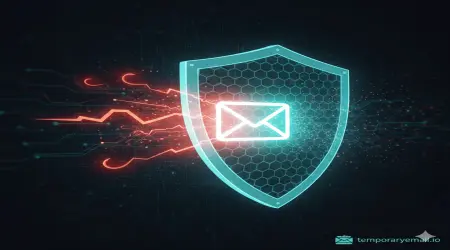
But what if the "hook" never reached your "water"?
The most effective way to avoid being a victim of a phishing attack is to ensure your primary email address is never in the hands of the attackers in the first place. This is where disposable inboxes become a critical security tool.
What is Phishing? (The 2026 Version)
Phishing is a fraudulent attempt to obtain sensitive information—such as usernames, passwords, and credit card details—by disguising oneself as a trustworthy entity in an electronic communication.
In 2026, hackers don't just send "Nigerian Prince" emails.
Spear Phishing: Highly targeted attacks based on data stolen from recent breaches.
Clone Phishing: An almost identical copy of a legitimate email you recently received, but with a malicious link.
Service Phishing: Fake notifications about "unauthorized logins" or "account suspension."
How a Temporary Email Creates an "Air-Gap"
The strategy is simple: If a hacker doesn't have your real email, they can't phish your real identity.
By using temporaryemail.io for non-essential signups, you are creating a "Security Air-Gap." Here is how it works:
Isolation: You use a temp email for a forum or a coupon site.
The Breach: That site eventually gets hacked (a common occurrence).
The Attack: The hacker gets the email list and starts sending phishing emails to everyone on it.
The Result: The phishing email goes to a deleted, temporary inbox. Your primary email—where your bank and social media are linked—is never even targeted.
5 Ways Disposable Inboxes Protect You From Scams
1. Verifying "Gray Area" Websites
We’ve all encountered websites that look "okay" but not 100% trustworthy. If you need to download a PDF or view a restricted article, a temp email allows you to get what you need without giving them a permanent "digital doorway" into your life.
2. Testing One-Time Services
Using a temporary email for a one-time purchase or service trial ensures that if that company sells its user list to a "marketing partner" (who might actually be a scammer), the contact info they have is useless.
3. Identifying Leaks
If you use a unique temporary email for a specific service and start receiving weird "Account Locked" emails to that specific address, you know exactly which company leaked your data.
4. Protecting Your Social Circle
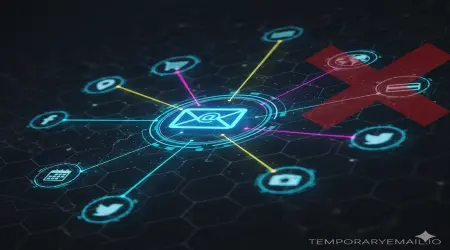
Hackers often use "Contact Scraping."
5. Avoiding AI-Generated Social Engineering
Modern AI can scan your real email history (if breached) to mimic your writing style. By keeping your primary inbox strictly for "High Trust" contacts, you reduce the amount of data available for an AI to learn about you.
How to Use temporaryemail.io for Maximum Security
The "One-and-Done" Rule: Use it for any site that you don't plan on visiting regularly for the next year.
No PII (Personally Identifiable Information): When using a temp email, don't use your real name in the signup forms. Use a pseudonym.
Check the Link: Even in a temp inbox, never click a link unless you are 100% sure it's the verification code you just requested.
Conclusion
You wouldn't give your home address to every stranger on the street just to get a 10% discount on a coffee. Why give your primary email to every corner of the internet?
Temporaryemail.io isn't just a convenience tool; it's a shield. By adopting a "disposable-first" mindset, you make yourself a much harder target for the scammers of 2026.