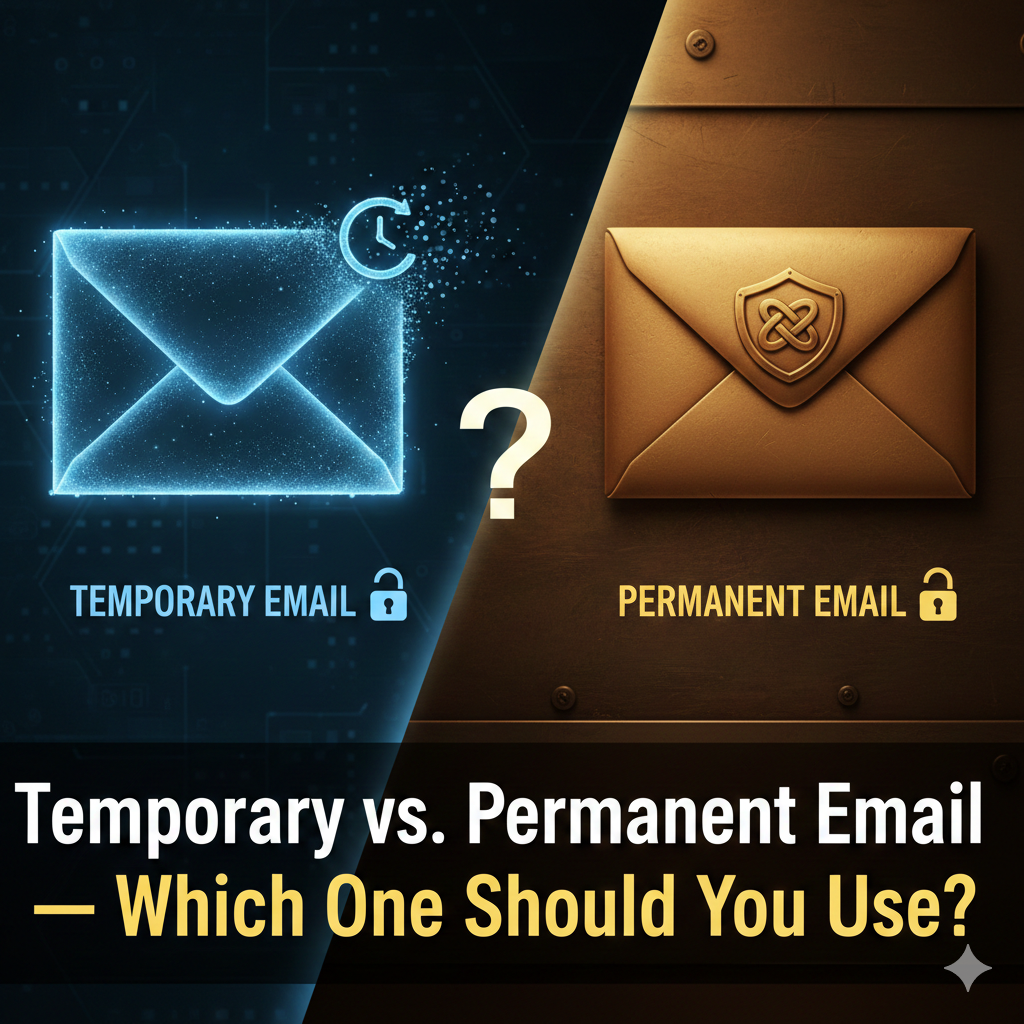
Temporary vs. Permanent Email — Which One Should You Use?
In the early days of the internet, we all had one email address. We used it for work, for talking to family, and for signing up for every random forum on the web. In 2026, that strategy is a recipe for a digital nightmare.
To maintain a clean, secure, and private online life, you need to understand the difference between Permanent Email and Temporary Email, and more importantly, when to use each.
What is a Permanent Email?
A permanent email is your "Digital Home." These are accounts you create with major providers like Gmail, Outlook, or a custom business domain.
Longevity: It exists as long as you want it to.
Security: Usually protected by advanced 2FA (Two-Factor Authentication) and biometric logins.
2 Storage: Designed to hold years of messages, attachments, and records.
3 Identity: It is often linked to your real name and phone number.
What is a Temporary Email?
A temporary email (like those provided by temporaryemail.io) is your "Digital Shield."
Speed: Generated in one click—no forms to fill out.
6 Privacy: It has no link to your real identity or primary accounts.
7 Disposability: Once you close the session, the inbox and its contents are gone.
8 Zero Spam: Because the address expires, spammers have no way to reach you long-term.
9
The Head-to-Head Comparison
| Feature | Permanent Email | Temporary Email |
|---|---|---|
| Best For | Banking, Work, Family, Long-term accounts. | Free trials, Wi-Fi logins, one-time downloads. |
| Spam Risk | High (if shared widely). | Zero (address expires). |
| Security | High (2FA, Recovery options). | Low (No password, not for sensitive data). |
| Identity | Tied to your real name/phone. | Completely Anonymous. |
| Cleanup | Manual (needs regular Archiving). | Automatic (self-destructs). |
The "Power User" Strategy: When to Use Which?
Use Your Permanent Email For:
Financial Services: Banking, taxes, and investment accounts.
10 Government & Legal: Healthcare portals, voter registration, and legal documents.
Primary Identity: Your Apple ID, Google Account, or main Social Media profiles that you’ve had for years.
Important Communication: Resumes, job applications, and emails to people you actually know.
11
Use TemporaryEmail.io For:
"Gate-Keepers": Any site that forces you to provide an email just to see a price, download a PDF, or read an article.
12 E-Commerce "Discounts": Getting that "10% off your first order" code without getting marketing emails for the next decade.
13 Public Access: Logging into Wi-Fi at airports, hotels, or cafes.
14 Testing & One-Offs: Signing up for a "beta" of a new app or a service you likely won't use twice.
The Gold Standard: The Hybrid Approach
The most secure users in 2026 use a Hybrid Approach. They keep their permanent email "Private"—only giving it to trusted entities. For everything else on the "Open Web," they use temporaryemail.io.
This creates a filter.
Conclusion
It’s not about which email is "better"; it’s about using the right tool for the job. Your permanent email is your safe; your temporary email is your shield. Use them together, and you'll enjoy a faster, cleaner, and more private internet experience.