Why You Should Never Use Your Personal Email for Public Wi-Fi
Whether you are waiting for a flight or working from your favorite local cafe, the temptation of "Free Public Wi-Fi" is hard to resist. However, in 2026, the phrase "there is no such thing as a free lunch" applies more than ever to digital connectivity.
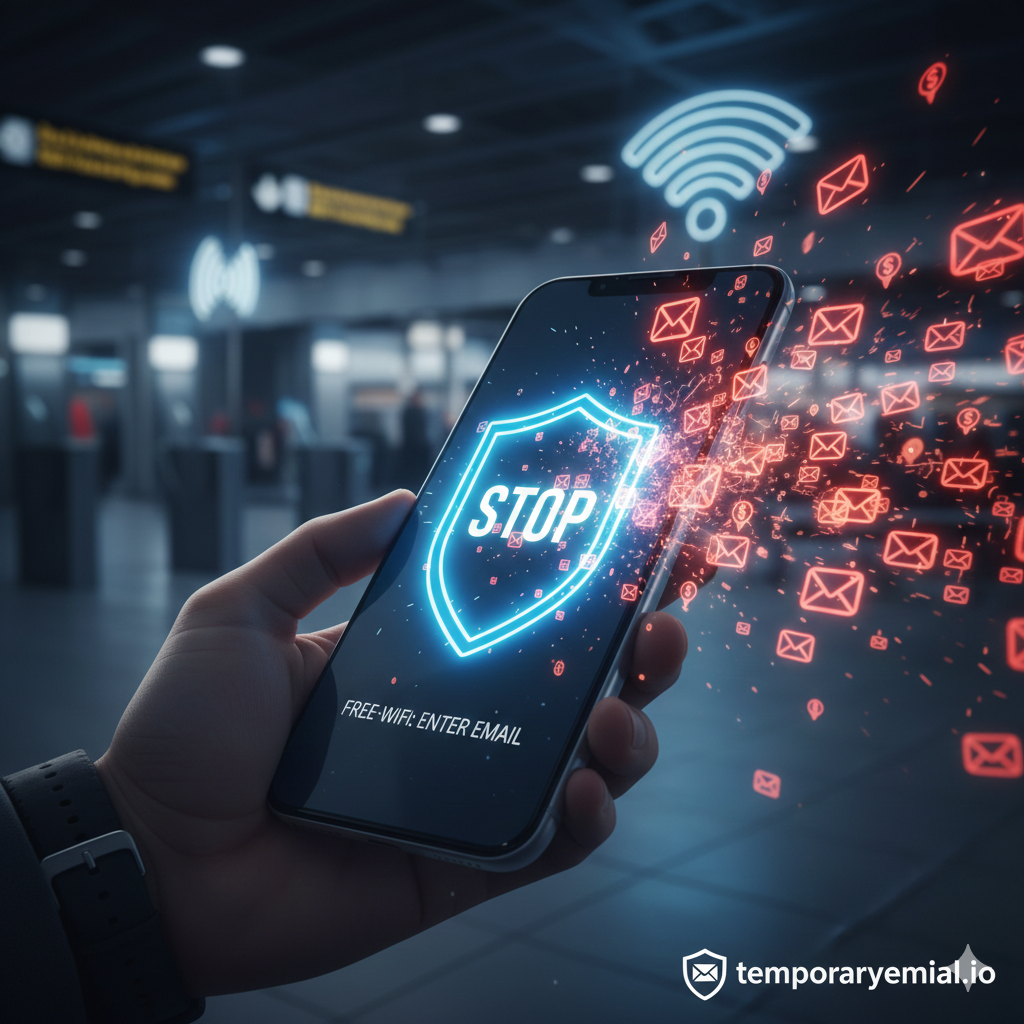
When you connect to a public network and an "Authentication Page" pops up asking for your email address, you aren't just logging in—you are potentially opening a backdoor to your digital life.
The Hidden Cost of Free Wi-Fi
Most public Wi-Fi networks are operated by third-party marketing companies. Their business model isn't providing internet; it’s collecting data. By providing your primary email, you are often agreeing to:
Real-time Tracking: Linking your physical location to your digital identity.
Email Harvesting: Your address is added to a "verified active user" list.
Aggressive Retargeting: Ever notice ads for a shop you just walked past? Your Wi-Fi login is often the culprit.
3 Major Risks of Using Your Real Email on Public Networks
1. The "Man-in-the-Middle" Attack
Hackers often set up "Evil Twin" hotspots with names like Airport_Free_WiFi_HighSpeed. If you give this fake network your real email and a password you use elsewhere, they now have the credentials to attempt a takeover of your primary accounts.
2. Permanent Data Association
Once a marketing company has your email from a Wi-Fi login, they can correlate it with your browsing habits on that network. They know which news sites you read, what you shop for, and even your travel patterns.
3. The Endless Spam Cycle
Public Wi-Fi databases are goldmines for spammers. Unlike a newsletter you signed up for, these lists are often sold to local advertisers, leading to a flood of "near me" spam that is incredibly difficult to filter out.
The Solution: The "Traveler’s Shield" Strategy
You don’t have to stay offline to stay safe. The smartest way to handle public Wi-Fi is to use a disposable identity.
By using temporaryemail.io, you can bypass the login requirements without risking your data:
Generate: Open your browser and go to temporaryemail.io before connecting to the Wi-Fi.
Copy: Grab your instant, anonymous email address.
Connect: Paste that address into the Wi-Fi portal’s email field.
Verify: If the network sends a verification link, it will appear instantly in your temporary inbox. Click it, get connected, and your real email remains completely hidden.
Best Practices for Public Wi-Fi in 2026
Never use "Log in with Facebook/Google": This gives the network provider access to your social graph and personal details.
Use a VPN: While a temp email protects your identity, a VPN protects your traffic. Use both for maximum security.
Forget the Network: After you are done, go to your Wi-Fi settings and "Forget" the network so your phone doesn't automatically reconnect in the future.
Conclusion
Your primary email address is your digital home. You wouldn't give a key to your home to every coffee shop you visit, so don't give them your email. Next time you see a Wi-Fi login screen, protect yourself with temporaryemail.io.