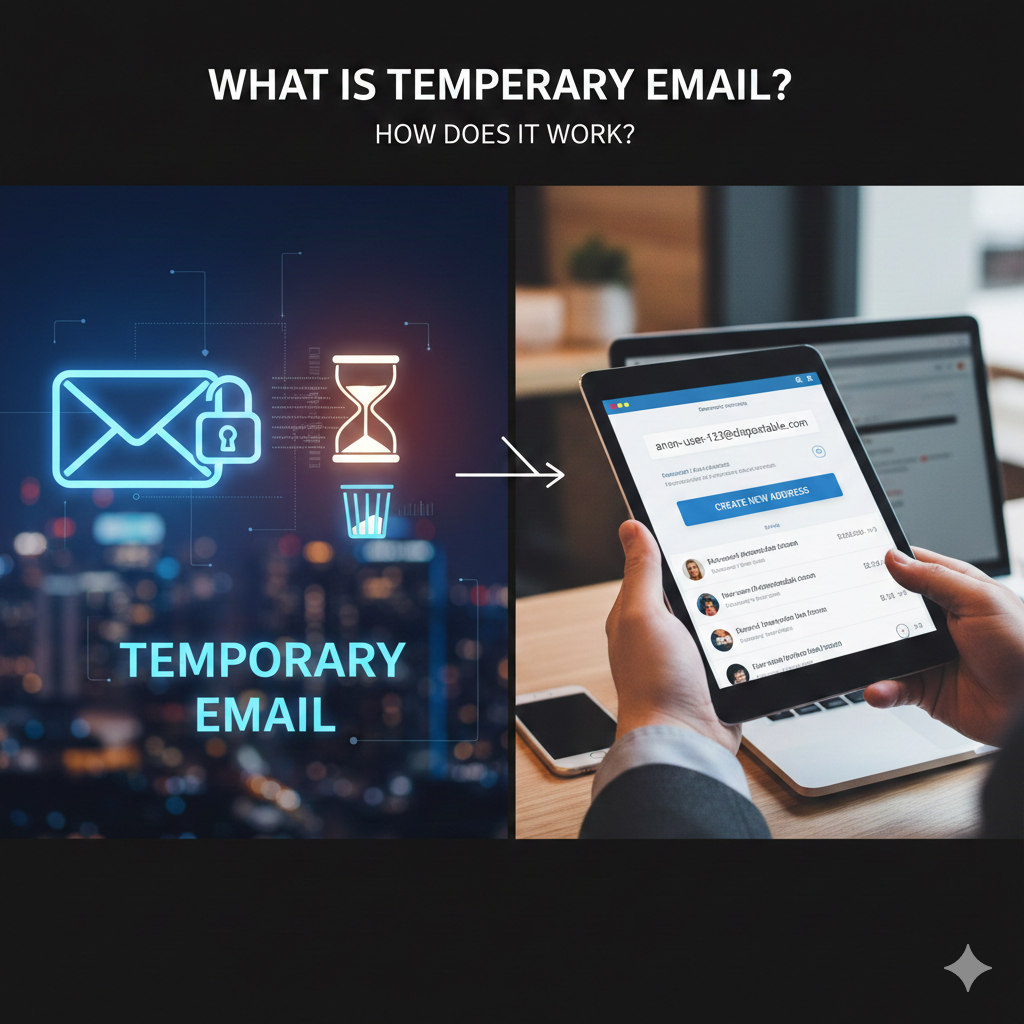
What Is Temporary Email and How Does It Work? (Complete Beginner Guide)
In today’s digital world, almost every online activity requires an email address. Whether you’re signing up for a social media platform, downloading a file, accessing a free trial, or joining an online community, your email has become your primary digital identifier.
But sharing your real email everywhere comes with risks — spam, tracking, data leaks, and loss of privacy.
That’s where temporary email comes in.
Temporary email services provide short-lived email addresses that help protect your identity and keep your main inbox clean. They have become increasingly popular as internet users grow more concerned about privacy and data security.
In this complete guide, you’ll learn what temporary email is, how it works, when to use it, when not to use it, and how it helps protect your digital privacy.
What Is Temporary Email?
Temporary email (also called disposable email, burner email, or throwaway email) is a short-term email address that automatically expires after a limited period of time.
Unlike traditional email accounts such as Gmail or Outlook, temporary email addresses:
do not require registration
do not store personal information
are created instantly
exist only for a short time
automatically delete messages
Their main purpose is to allow you to receive emails without exposing your real email address.
Think of it as a one-time use mailbox that disappears after you’re done with it.
Why Temporary Email Exists
To understand why temporary email is useful, we need to understand how email is used online.
Your email address is often required to:
verify accounts
receive notifications
access downloads
reset passwords
receive marketing content
track user behavior
Because email addresses are persistent identifiers, companies can link them to your activity across multiple platforms.
This creates several problems:
1. Spam Overload
Many websites sell or share email lists with advertisers.
2. Data Tracking
Your email connects your behavior across different services.
3. Data Breaches
If a company storing your email is hacked, your information may leak.
4. Marketing Surveillance
Companies build behavioral profiles based on your email usage.
Temporary email helps reduce these risks by creating a disposable communication channel.
How Temporary Email Works
Temporary email systems function differently from traditional email providers.
Instead of creating permanent user accounts, they dynamically generate inboxes when requested.
Let’s break down the process.
Step 1 — Automatic Email Address Generation
When you open a temporary email service, the system creates a random email address instantly.
Example:
user123@tempdomain.com
No signup, password, or personal details required.
Step 2 — Mail Server Routing
Incoming emails sent to that address are routed to a temporary mailbox stored on the server.
The system listens for messages directed to that address and displays them in real time.
Step 3 — Instant Inbox Display
Emails appear immediately in your browser.
You can read verification codes, confirmation links, or messages just like in a normal inbox.
Step 4 — Automatic Deletion
After a certain period (minutes, hours, or days), the inbox and all messages are permanently deleted.
No recovery. No storage. No archive.
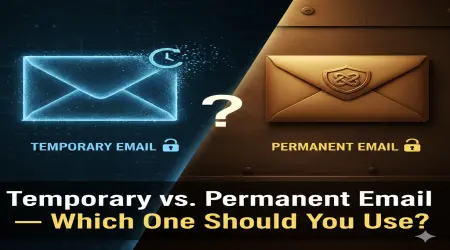
Temporary Email vs Regular Email
Understanding the difference helps clarify when to use each.
| Feature | Temporary Email | Regular Email |
|---|---|---|
| Account required | No | Yes |
| Personal data stored | No | Yes |
| Lifespan | Short-term | Permanent |
| Password required | No | Yes |
| Spam exposure | Low | High |
| Recovery options | None | Yes |
| Best for | Short-term use | Long-term communication |
Temporary email is designed for convenience and privacy — not long-term communication.
Common Use Cases for Temporary Email
Temporary email is widely used across many situations.
Website Registrations
Sign up without exposing your real address.
Free Trials
Access services without marketing follow-ups.
File Downloads
Receive download links safely.
Online Forums
Participate anonymously.
Software Testing
Developers create multiple accounts quickly.
One-Time Verifications
Receive confirmation codes without long-term exposure.
Real-World Example
Imagine you want to download a free ebook from a website that requires email verification.
You don’t trust the site and don’t want spam.
Instead of using your real email:
Generate a temporary email
Enter it during signup
Receive verification link
Download ebook
Inbox expires automatically
Your real email remains untouched.
Security and Privacy Benefits
Temporary email improves privacy in several important ways.
Reduced Spam
Your main inbox stays clean.
Data Exposure Prevention
Companies cannot store your real email.
Identity Protection
Activity cannot be linked to your primary identity.
Reduced Tracking
Behavior cannot be tracked long-term.
Protection From Data Brokers
Your email won’t be sold in marketing databases.
Are Temporary Emails Anonymous?
Temporary email improves privacy — but it does not guarantee full anonymity.
Depending on the service:
IP addresses may still be logged
emails may be public during lifetime
encryption may vary
Temporary email should be viewed as a privacy tool — not an anonymity guarantee.
For stronger anonymity, combine with:
VPN
private browser
tracker blockers
When You Should NOT Use Temporary Email
Temporary email is not suitable for important or sensitive accounts.
Avoid using it for:
banking services
medical records
legal accounts
business communication
long-term subscriptions
password recovery
If the account matters long-term, use a permanent secure email.
Limitations of Temporary Email
While useful, temporary email has limitations.
no message recovery
no sending capability (usually)
no password protection
short lifespan
may be blocked by some websites
Many companies block disposable email domains to prevent abuse.
Why Some Websites Block Temporary Email
Businesses rely on email for:
customer communication
marketing campaigns
identity verification
Temporary emails disrupt these systems.
Common reasons for blocking:
preventing fake accounts
protecting marketing data
reducing fraud
improving user authenticity
Is Temporary Email Legal?
Yes — temporary email is legal in most countries.
However, using it to:
commit fraud
bypass service rules
impersonate others
may violate laws or platform policies.
Always use responsibly.
Temporary Email and Digital Privacy
Modern internet infrastructure relies heavily on persistent identifiers.
Email addresses are one of the most powerful tracking tools.
Temporary email helps reduce:
behavioral profiling
data collection
long-term tracking
identity linking
It is an important part of modern digital hygiene.
How to Use Temporary Email Safely
Best practices:
✔ use for low-trust websites
✔ avoid sensitive communication
✔ combine with privacy tools
✔ check expiration time
✔ never rely on it for recovery
The Future of Temporary Email
As privacy concerns grow, temporary email adoption continues to increase.
Future trends may include:
stronger encryption
custom expiration settings
improved anti-tracking features
better integration with privacy tools
Disposable communication is becoming a normal part of internet use.
Conclusion — Should You Use Temporary Email?
Temporary email is a powerful tool for protecting your digital identity, reducing spam, and maintaining control over personal information online.
It is best used for short-term interactions where long-term communication is not required.
However, it should never replace a secure permanent email for important accounts.
Key Takeaways
✔ Temporary email provides short-lived inboxes
✔ No registration or personal data required
✔ Protects against spam and tracking
✔ Useful for signups and verifications
✔ Not suitable for sensitive accounts
✔ Improves privacy but not full anonymity
If used correctly, temporary email is one of the simplest and most effective tools for maintaining online privacy in today’s data-driven internet.