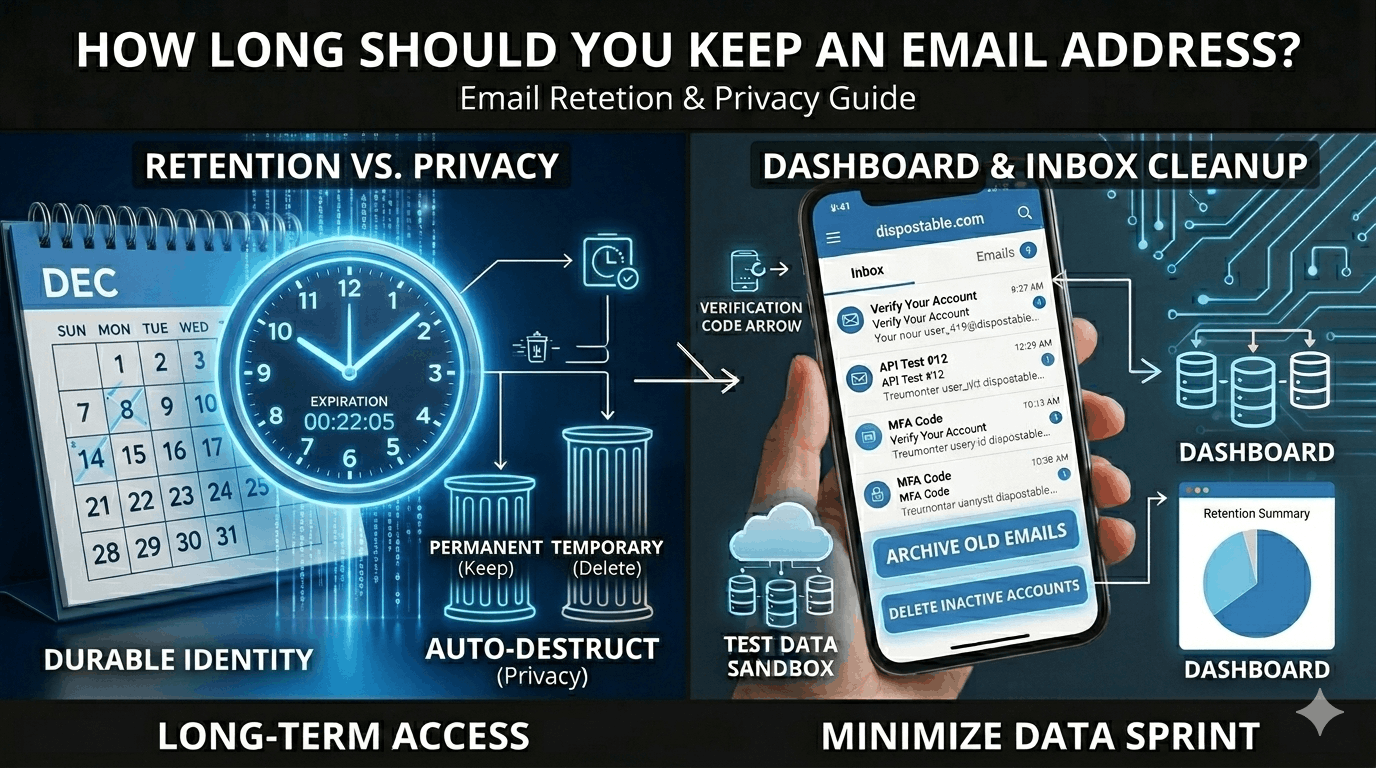
How Long Should You Keep an Email Address?
A Practical Guide to Email Lifespan, Security, and Digital Identity Management
Email addresses are among the most persistent identifiers in the digital world. They function as communication channels, login credentials, account recovery tools, marketing targets, and personal identity markers across the internet.
But this raises an important question many individuals and organizations overlook:
How long should you actually keep an email address?
Is an email address something you maintain for life — or should you rotate, retire, or replace it periodically?
The answer depends on how the email is used, what risks are involved, and how you manage digital identity over time.
In this comprehensive guide, you’ll learn:
The different types of email addresses and their typical lifespan
When you should keep, rotate, or retire an email address
Security and privacy risks of long-term email use
How temporary email fits into modern email strategy
Best practices for managing personal and professional email identities
Practical decision frameworks for individuals and organizations
This guide is written for beginners and intermediate users who want to manage email intelligently and securely.
Why Email Addresses Matter More Than You Think
Most people think of email simply as a communication tool.
In reality, email is a primary digital identity key.
Your email address often controls access to:
banking and financial accounts
social media platforms
cloud storage
subscriptions and services
online purchases
work systems
identity verification processes
In many cases, whoever controls your email controls your digital life.
Because of this, email lifespan is not just a convenience decision — it is a security and privacy strategy.
The Concept of Email Lifespan
Email lifespan refers to how long an email address remains active, used, and trusted for important communication.
Not all email addresses serve the same purpose, and they should not all be kept for the same length of time.
Some email addresses are meant to be permanent. Others should be temporary by design.
Understanding this distinction is key to managing digital risk.
Types of Email Addresses and Their Ideal Lifespan
Different email roles require different retention strategies.
Primary Personal Email
This is your main long-term identity email used for:
financial accounts
official communication
identity verification
personal contacts
Typical lifespan: Long-term (10+ years or lifetime)
However, long-term use requires strong security practices.
Professional or Work Email
Work email addresses are tied to employment or business operations.
They may be used for:
internal communication
client interaction
project management
corporate accounts
Typical lifespan: Duration of employment or business need
These should be deactivated when roles change.
Secondary or Utility Email
Some people maintain additional email addresses for:
newsletters
shopping
online accounts
non-critical services
Typical lifespan: 2–5 years (rotated periodically)
Rotating these reduces spam and data exposure.
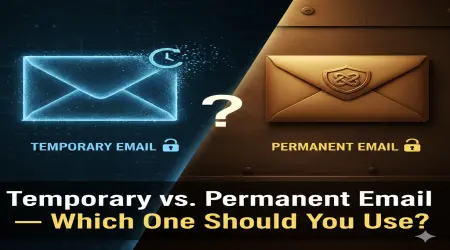
Temporary or Disposable Email
Temporary email is designed specifically for short-term use.
Common purposes include:
one-time verification
testing applications
anonymous registration
Typical lifespan: Minutes to days
These should never be used for long-term communication.
Comparison of Email Types and Lifespan
| Email Type | Purpose | Recommended Lifespan |
|---|---|---|
| Primary personal | Core identity | Long-term |
| Work email | Professional use | Employment duration |
| Secondary utility | Low-risk services | Periodic rotation |
| Temporary email | One-time use | Very short-term |
Risks of Keeping an Email Address Too Long
Long-term email use can create significant security and privacy risks.
Data Accumulation
Over time, an email address becomes linked to many services.
This creates a large digital footprint that can be exploited.
Increased Spam Exposure
Older email addresses tend to receive more spam because they are widely distributed.
Email lists are often sold, shared, or leaked.
Data Breach Vulnerability
If your email appears in a data breach, attackers can use it for:
phishing campaigns
credential stuffing
identity correlation
The longer an email exists, the more likely it is to appear in breach databases.
Persistent Tracking
Email addresses are used by companies to track behavior across platforms.
Long-term use allows detailed profiling.
When Should You Change or Rotate an Email Address?
There is no universal timeline, but certain events should trigger reconsideration.
After a Major Data Breach
If your email appears in a breach involving sensitive accounts, consider transitioning to a new address.
When Spam Becomes Unmanageable
Excessive unwanted email indicates the address is widely distributed.
Rotation may be beneficial.
When Changing Life Roles
Examples include:
new job
business closure
relocation
major lifestyle changes
Separating identities improves organization and security.
After Long Periods of High Exposure
If an email has been publicly listed for many years (forums, business listings), risk increases.
When Should You Keep an Email Address Long-Term?
Some addresses should remain stable.
Financial Accounts
Banking and investment access depend on continuity.
Frequent changes create risk of losing access.
Legal or Official Records
Government and institutional communication often relies on consistent contact details.
Professional Branding
Entrepreneurs and public figures may rely on long-term recognizable email addresses.
Temporary Email as Part of Email Strategy
Temporary email is not a replacement for permanent email — it is a complementary tool.
It helps reduce exposure when interacting with unknown or low-trust services.
When to Use Temporary Email
Appropriate uses include:
website signups
free trials
downloads
testing platforms
anonymous participation
When Not to Use Temporary Email
Never use disposable email for:
banking
healthcare
legal accounts
important subscriptions
account recovery systems
Temporary email is for short-term convenience only.
Email Rotation Strategies
Some individuals use structured rotation systems.
Tiered Email Strategy
Maintain different addresses for different risk levels.
Example:
Core identity email
Services email
Marketing email
Disposable email
Periodic Renewal
Secondary email addresses can be replaced every few years to reduce tracking and spam.
Security Best Practices for Long-Term Email Use
If you keep an email address long-term, security must be strong.
Use Multi-Factor Authentication
This is the most effective protection against unauthorized access.
Monitor Breach Databases
Check regularly whether your email appears in leaked datasets.
Use Strong, Unique Passwords
Never reuse passwords across accounts.
Limit Public Exposure
Avoid publishing primary email addresses openly online.
Privacy Implications of Email Longevity
Email addresses enable cross-platform identity linking.
Companies use email to:
build marketing profiles
track purchases
correlate behavior
analyze engagement
Long-term use increases data aggregation.
Rotating non-essential email addresses reduces profiling.
Real-World Email Lifespan Scenarios
Understanding practical use helps clarify strategy.
Online Shopper
Uses one email for purchases and newsletters.
After years of spam, they create a new shopping email and update accounts.
Developer or Tester
Uses temporary email for testing registrations.
No long-term exposure occurs.
Small Business Owner
Maintains branded email for clients but rotates internal testing accounts periodically.
How Organizations Manage Email Lifespan
Companies apply structured lifecycle policies.
Common practices include:
employee account deactivation
archive retention rules
domain migration strategies
security audits
Organizational email is managed as a controlled resource.
Decision Framework: Should You Keep or Replace Your Email?
Ask these questions:
Is this email tied to critical accounts?
Is spam becoming excessive?
Has the address appeared in breaches?
Is it widely exposed publicly?
Can you safely migrate accounts?
If risk outweighs stability, rotation may be wise.
Long-Term Email Management Checklist
To maintain secure email usage:
separate identities by purpose
rotate non-essential addresses
secure primary email heavily
use temporary email when appropriate
review accounts annually
Conclusion: There Is No One-Size-Fits-All Lifespan
The right email lifespan depends on its role.
Some addresses should remain stable for decades. Others should exist only for minutes.
A modern email strategy combines:
long-term identity stability
periodic rotation
temporary email usage
strong security practices
Managing email lifespan is an essential part of digital risk management.
Actionable Takeaways
To manage email addresses effectively:
Keep primary identity email long-term but secure it strongly
Rotate secondary emails periodically to reduce exposure
Use temporary email for low-trust interactions
Monitor data breaches regularly
Separate email usage by purpose
Avoid unnecessary long-term data accumulation
Treat email as a critical digital identity asset
By actively managing email lifespan, individuals and organizations can improve security, reduce tracking, and maintain control over their digital presence.
Email is not just a communication tool — it is the foundation of modern digital identity. Managing how long you keep an email address is a key part of protecting that identity.