How to Test Email Workflows Using Temporary Email
A Practical Developer & QA Guide
Email is one of the most critical components of modern applications. From user onboarding and password recovery to billing notifications and security alerts, email workflows are deeply embedded in the user experience of web apps, SaaS platforms, and mobile services.
Because email plays such a central role, testing email workflows thoroughly is essential for reliability, security, and user satisfaction.
However, testing email systems presents a major challenge:
How do you repeatedly test email-based interactions without managing hundreds of real inboxes?
The answer is temporary email.
Temporary email (also known as disposable or burner email) allows developers and testers to generate short-lived inboxes that receive messages without permanent registration. These inboxes expire automatically and can be created instantly.
In this comprehensive guide, you’ll learn:
What email workflows are and why they matter
How temporary email improves testing efficiency
Step-by-step methods for testing email workflows
Real-world testing scenarios
Automation strategies
Security and privacy implications
Best practices for development teams
Actionable steps to implement reliable testing
This guide is designed for beginner and intermediate developers, QA engineers, and product teams who want to build reliable email-driven systems.
What Are Email Workflows?
An email workflow is any automated process in which an application sends messages based on user actions or system events.
These workflows form essential communication channels between applications and users.
Common Types of Email Workflows
Most applications rely on several core email interactions.
Account creation workflows
verification emails
activation links
welcome messages
Security workflows
password reset emails
login alerts
account change notifications
Transactional workflows
purchase confirmations
invoices
subscription updates
Engagement workflows
product announcements
reminders
feature notifications
System notifications
error alerts
usage warnings
maintenance announcements
Each of these must be tested to ensure correct delivery, timing, and functionality.
Why Testing Email Workflows Is Critical
Poorly functioning email systems can cause serious user experience and security problems.
Common risks include:
users unable to verify accounts
password reset failures
missing billing notifications
broken links in messages
delayed or duplicate emails
incorrect personalization
In many cases, email workflow failures directly impact:
user onboarding success
account security
regulatory compliance
revenue collection
customer trust
Testing is not optional — it is essential.
The Challenge of Testing Email Workflows
Testing email systems with real email accounts quickly becomes impractical.
Typical problems include:
limited number of test inboxes
manual account creation
spam filtering interference
inbox clutter
account reuse conflicts
privacy concerns
For large applications, testing hundreds of scenarios with permanent email accounts is inefficient and error-prone.
Temporary email solves these issues.
What Is Temporary Email?
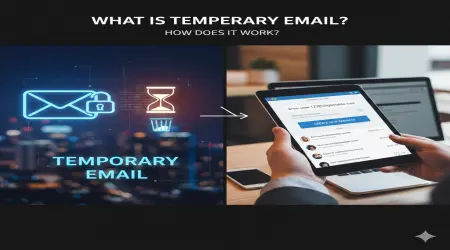
Temporary email is a short-lived email address that can receive messages for a limited time without requiring account registration.
It is designed for short-term communication and automatic expiration.
Temporary email addresses:
are generated instantly
require no identity verification
expire automatically
do not store messages long-term
For testing purposes, they provide disposable user identities.
Why Temporary Email Is Ideal for Testing Email Workflows
Temporary email transforms how developers test communication systems.
Unlimited Unique Test Identities
Each test scenario can use a new address.
This allows repeated testing of:
account registration
verification logic
onboarding flows
No address conflicts occur.
Clean Testing Environments
Temporary inboxes contain only relevant messages.
There is no interference from previous tests.
This improves accuracy and reproducibility.
Automation Compatibility
Disposable email services can be integrated into automated test frameworks.
This enables fully automated end-to-end workflow testing.
Privacy Protection
No real user data is exposed.
Testing environments remain isolated from personal information.
Step-by-Step: How to Test Email Workflows Using Temporary Email
A structured testing process ensures consistent results.
Step 1 — Generate a Temporary Email Address
Create a new disposable address before each test scenario.
This simulates a new user identity.
Step 2 — Trigger the Workflow
Perform the action that should generate an email.
Examples:
register a new account
request password reset
update billing information
Step 3 — Verify Email Delivery
Check whether the message arrives in the temporary inbox.
Validate:
delivery timing
correct recipient
message format
Step 4 — Validate Email Content
Inspect the message carefully.
Check:
subject line
sender identity
formatting
personalization fields
branding elements
Step 5 — Test Links and Actions
Most emails contain interactive elements.
Test:
verification links
password reset URLs
confirmation buttons
Ensure they function correctly.
Step 6 — Confirm Workflow Completion
Verify that the email action produces the expected system behavior.
Examples:
account activated
password changed
subscription updated
Step 7 — Repeat with Variations
Test multiple scenarios:
expired tokens
incorrect inputs
delayed responses
repeated requests
Disposable email makes repetition simple.
Real-World Email Workflow Testing Examples
Temporary email is used across many industries.
User Onboarding Testing
Developers simulate new user registration.
Testing includes:
signup confirmation
welcome email
feature introduction
Password Reset Security Testing
Teams validate secure account recovery.
Testing includes:
token expiration
single-use links
reset confirmation
Subscription Billing Testing
Finance workflows must be reliable.
Testing includes:
payment confirmations
invoice delivery
renewal reminders
Notification System Validation
Applications send automated alerts.
Testing includes:
triggered notifications
scheduled reminders
event-based messaging
Temporary Email vs Traditional Testing Methods
A comparison highlights the advantages.
| Feature | Temporary Email | Traditional Email Testing |
|---|---|---|
| Setup time | Instant | Manual |
| Scalability | Unlimited | Limited |
| Test isolation | High | Low |
| Automation support | Excellent | Limited |
| Privacy risk | Minimal | Higher |
| Maintenance | None | Ongoing |
Temporary email provides a modern testing infrastructure.
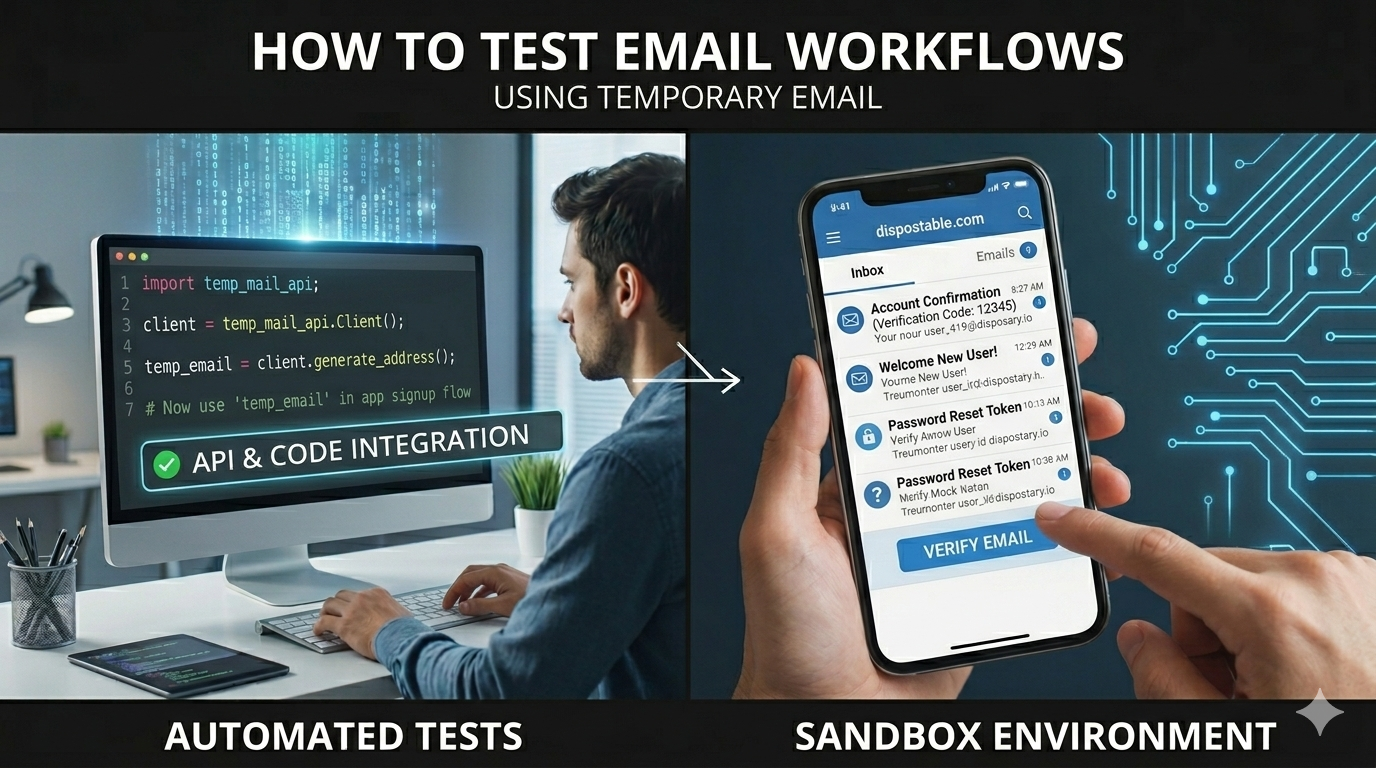
Using Temporary Email in Automated Testing
Automation is essential for modern development workflows.
Disposable email can integrate with:
Selenium
Cypress
Playwright
Puppeteer
CI/CD pipelines
Typical automated process:
generate address
trigger workflow
retrieve email programmatically
extract link
continue test
This enables fully automated lifecycle validation.
Security Implications of Temporary Email Testing
Testing email workflows also helps validate system security.
Token Security Validation
Temporary email helps verify:
expiration time
single-use enforcement
link integrity
Abuse Prevention Testing
Developers can simulate malicious behavior:
repeated account creation
brute force reset attempts
invitation abuse
Data Exposure Awareness
Temporary inboxes may be publicly accessible.
Sensitive data should never be sent during testing.
Privacy Considerations
Temporary email supports privacy-focused development by:
reducing personal data exposure
avoiding real user accounts
enabling anonymized testing
This aligns with privacy regulations such as GDPR.
Best Practices for Testing Email Workflows
Professional testing requires consistent methodology.
Use Dedicated Testing Environments
Never test using production systems.
Maintain separate development and staging environments.
Validate Email Rendering Across Devices
Emails should display correctly on:
mobile devices
desktop clients
webmail interfaces
Test Edge Cases
Include scenarios such as:
delayed delivery
expired links
duplicate requests
Monitor Deliverability Performance
Ensure email systems handle:
high volume
provider filtering
network delays
When Temporary Email Should Not Be Used
Disposable email is not suitable for testing:
long-term user engagement
legal communication systems
persistent account history
compliance archiving
Permanent accounts are required in those cases.
Advanced Testing Strategies
Experienced teams use temporary email for:
load testing email infrastructure
A/B testing message variations
localization validation
spam filter behavior analysis
This improves communication reliability.
How Temporary Email Improves Product Quality
Thorough email workflow testing leads to:
higher onboarding success rates
fewer support requests
improved security reliability
better user trust
Reliable communication systems are essential to product success.
Conclusion: Why Temporary Email Is Essential for Email Workflow Testing
Temporary email provides a scalable, flexible, and privacy-friendly solution for testing email-driven application behavior.
It enables:
rapid identity generation
automated workflow validation
secure testing environments
reliable communication testing
For developers and QA teams, disposable email is a foundational testing tool.
Actionable Takeaways
To implement temporary email in your testing workflow:
Use disposable email for all registration and verification testing
Automate email retrieval in testing scripts
Validate message content and formatting
Test security tokens and expiration rules
Simulate high-volume scenarios
Protect sensitive data in testing environments
Integrate email testing into CI/CD pipelines
By adopting temporary email for workflow testing, development teams can build more reliable, secure, and user-friendly applications.
Temporary email is not just a testing convenience — it is an essential part of modern application quality assurance.